
Same plans. Different requirements. Why start again?
Project Intelligence · Use case 05
The delivery goal
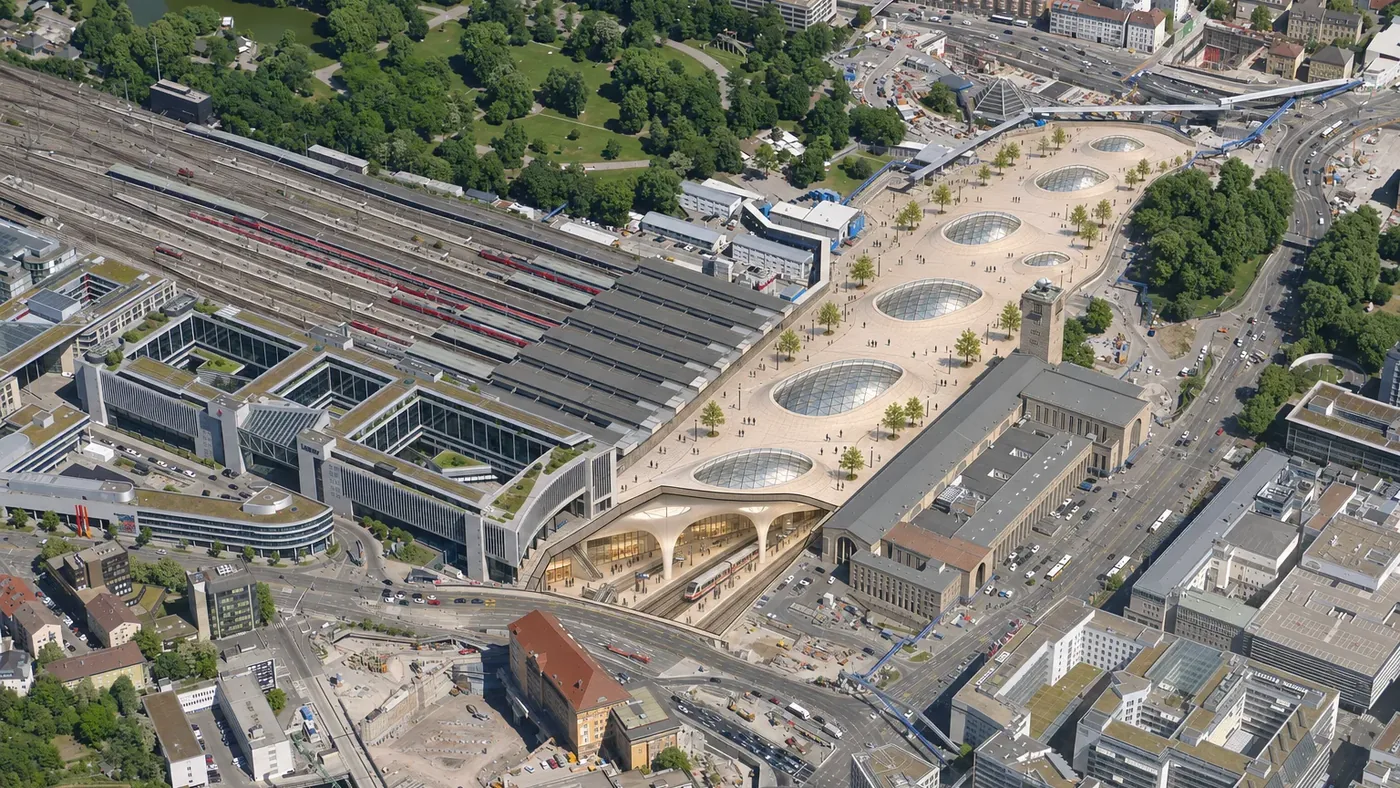
Prepare one set of plans for two submission routes. In this example, Gerda needs the same rail–road crossing documents in Bahn and DEGES formats, ready for each team to review.
- Source package
- 1
- Client formats
- 2
- Document types
- 3
 Full size
 Full size
What is standing in the way?
The design is the same. The cover sheets, title blocks and review routes are different. Re-entering data and rebuilding workflows takes time that the project needs elsewhere.
The role: Planning coordinator
Gerda coordinates planning for the main contractor. With Higherd, she adapts the documents, reuses the workflow and assigns the right people—so approval and tendering can move forward.

 Full size
See how your documents move forward.
Adapt the layout. Create the documents. Assign the workflow. See who needs to act next.
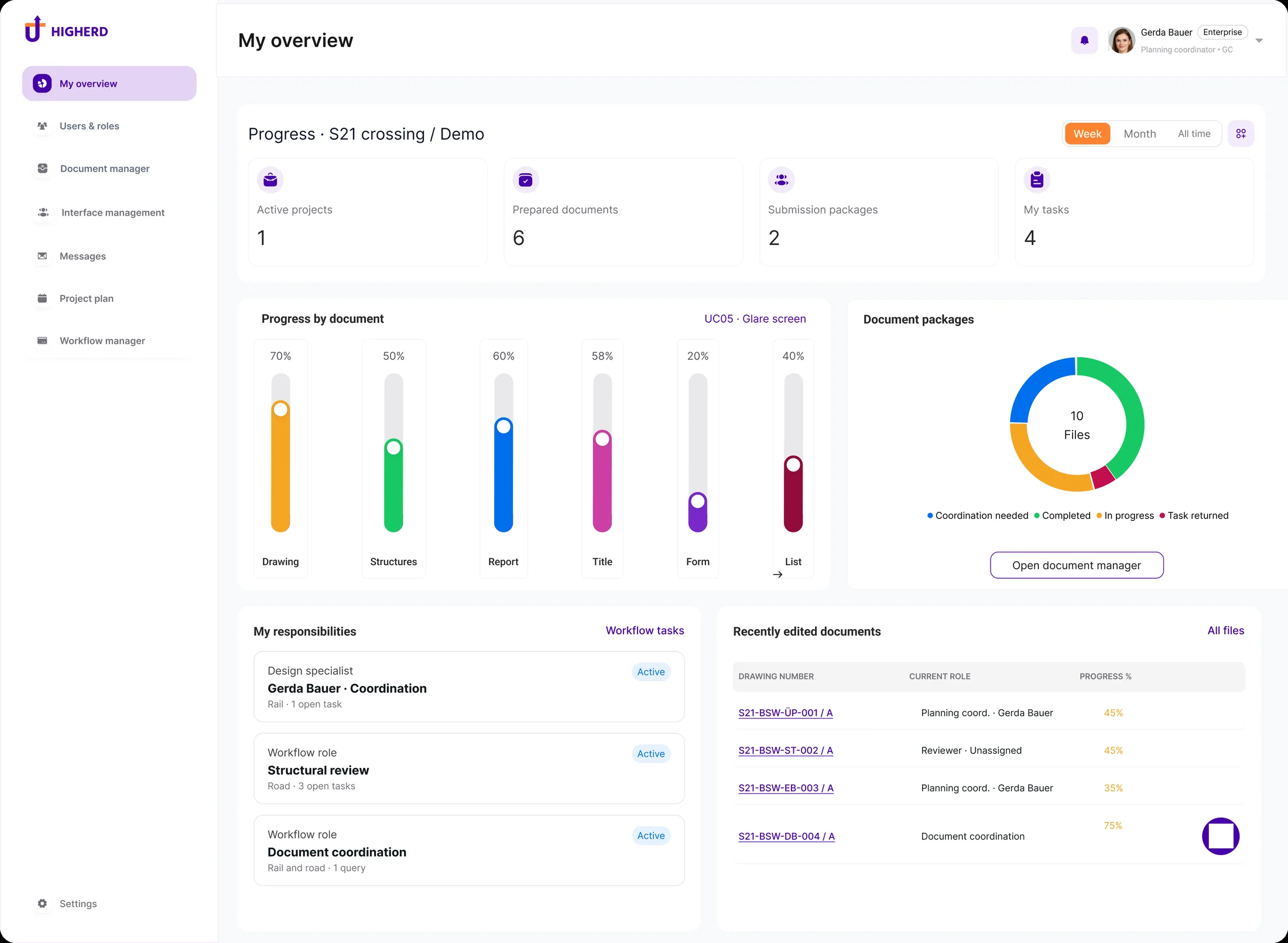
See what needs coordination
Planning Coordinator · General Contractor
Check the document packages, preparation status and your open tasks. Open the document manager to start.
Pick the source revision
Planning Coordinator · General Contractor
Choose the source document. Source files and revision IDs stay unchanged. Then open it in PDF Creator.
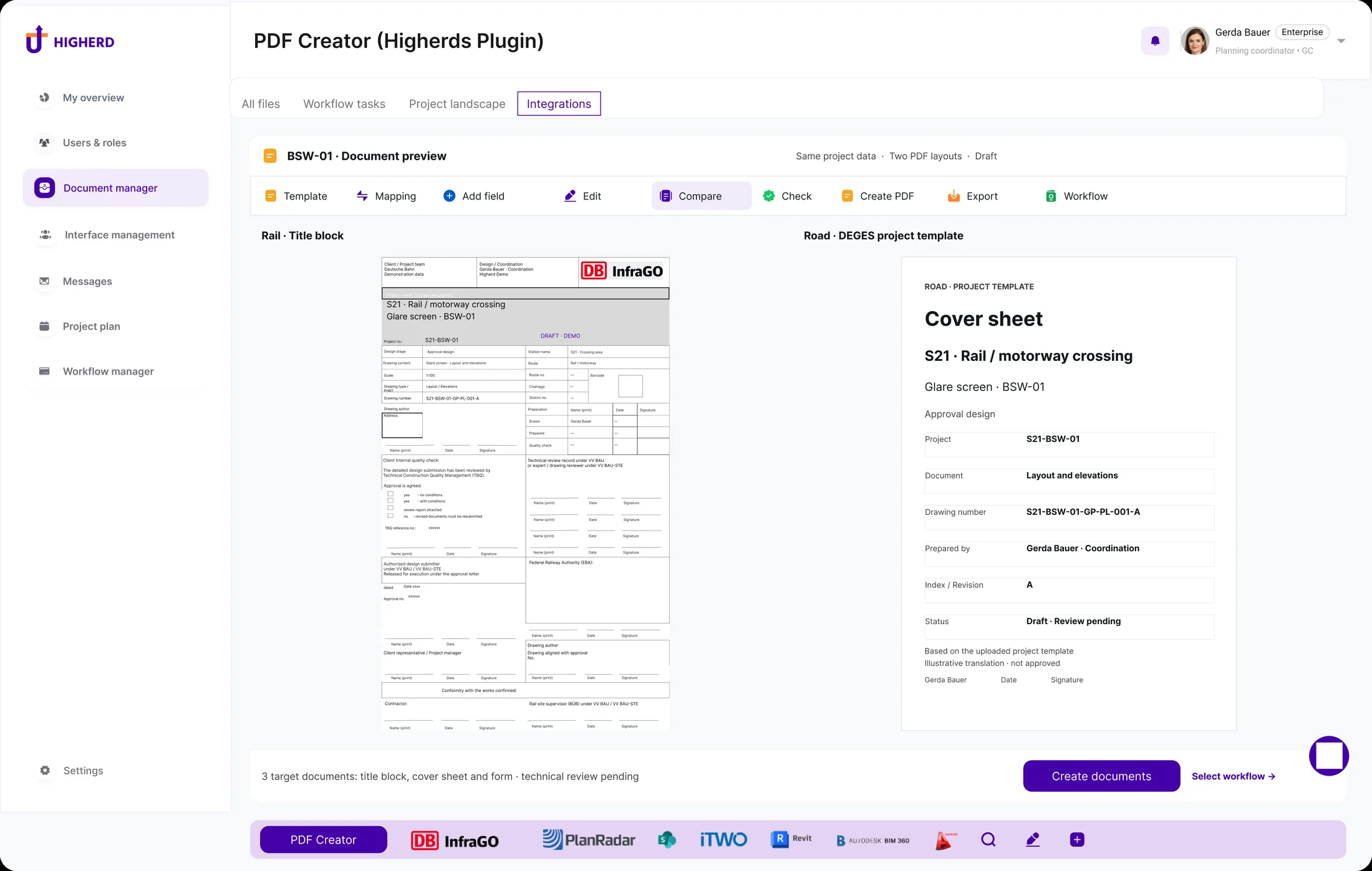
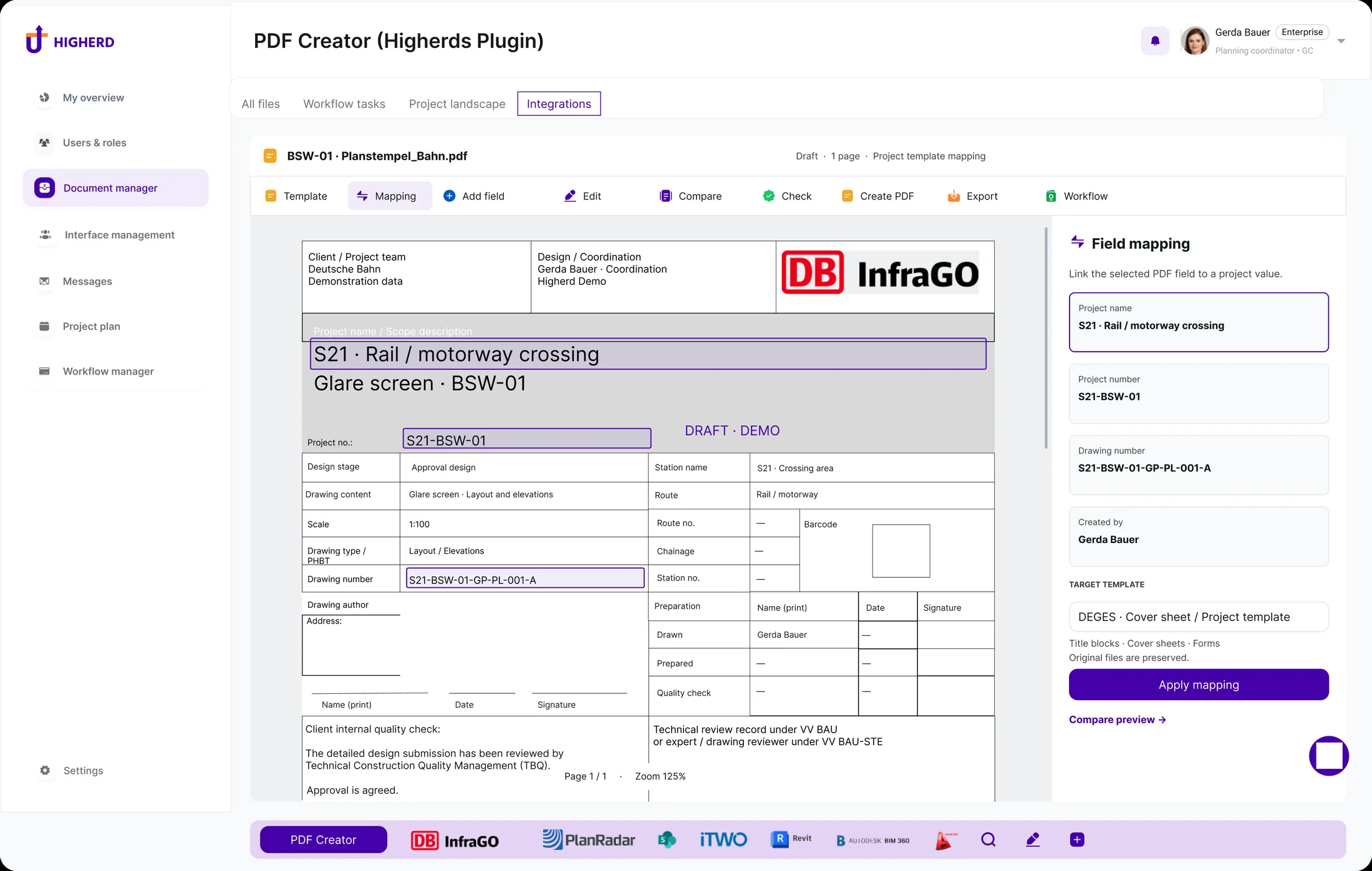
Map once, create both layouts
Planning Coordinator · General Contractor
Map project data onto the target template, compare the rail and road layouts, run the check, then create the documents.
Assign the review route
Planning Coordinator · General Contractor
Assign the rail and road documents to their workflows. In the editor, set roles, durations and phases from each task menu.
See who needs to act next
Planning Coordinator · General Contractor
Track the open tasks across both packages. Mark a task done or return it, and My overview updates.
Gerda coordinates the workflow. Technical reviews and approvals remain with the assigned roles. All data in this demo is illustrative.
One source. Two submission packages.
The same project information, prepared for each client’s requirements.
Source package
Keep one basis for the project information.
Client formats
Prepare Bahn and DEGES layouts from that source.
Document types
Title block, cover sheet and form.
Target documents
Three documents for each submission route.
Less rebuilding. More progress.
Before Higherd
- Rebuild each client layout
- Enter the same data again
- Manage separate copies
- Recreate the review route
- Chase the latest status
With Higherd
- Apply the client’s template
- Map fields to the source data
- Keep new documents linked
- Reuse the flow and adapt roles
- See the owner and next action
Illustrative demo. Project templates and formal approvals remain subject to the responsible reviewers.
Connected Higherd solution
Check it out...
Project Management
Signature and Plan Process Management
Keep document preparation, review and approval connected.
For more informationYour plans are ready.
Keep the next step moving.
What is slowing your project down?
Show us the documents and requirements. Let’s discuss how Higherd can help.
Features
- Enterprise-grade project management
- Real-time project intelligence
- Workforce planning and talent matching
- Integrations with the tools your teams already use
Trusted by teams like
- PwC
- Max Bögl
- TransnetBW
- Deutsche Bahn
- Alstom
- BEW
- Die Autobahn
- Hays
Thank you!
We've received your message and will get back to you shortly.